
Email Settings
To be able to use the module of sending reports automatically it is necessary to configure an email account, to configure this account go to SETTINGS/Email Settings
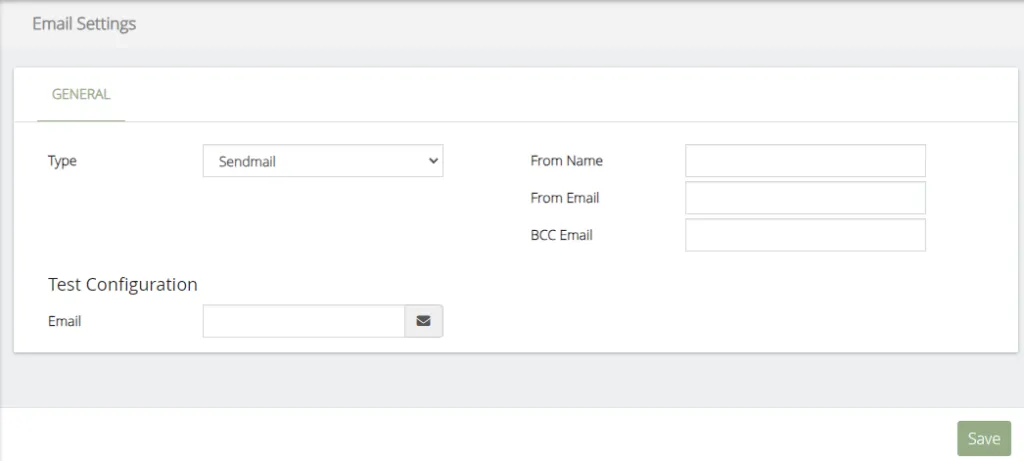
The data to be configured are the following:
-
Type, select the type of email server to use.
-
SMTP secure, type of security
-
Host, email server
-
Port, port of the email server
-
Username, user to authenticate to the email account
-
Password, password to authenticate to the email account
-
From Name, name of the owner of the email
-
From Email, complete email
-
BCC Email, if you want to send a copy of the hidden email, write it here
-
Test Configuration, test email settings
Was this article helpful?
Your feedback helps us improve the documentation.
Thank you for helping us improve!