
Forms
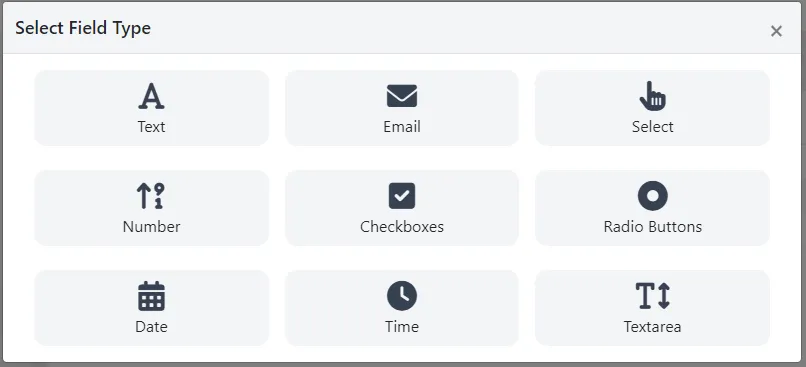
To create the form, go to Campaigns/Form. You can create forms with the following types of fields:
-
Text, accepts any type of text.
-
Email, only accepts valid emails.
-
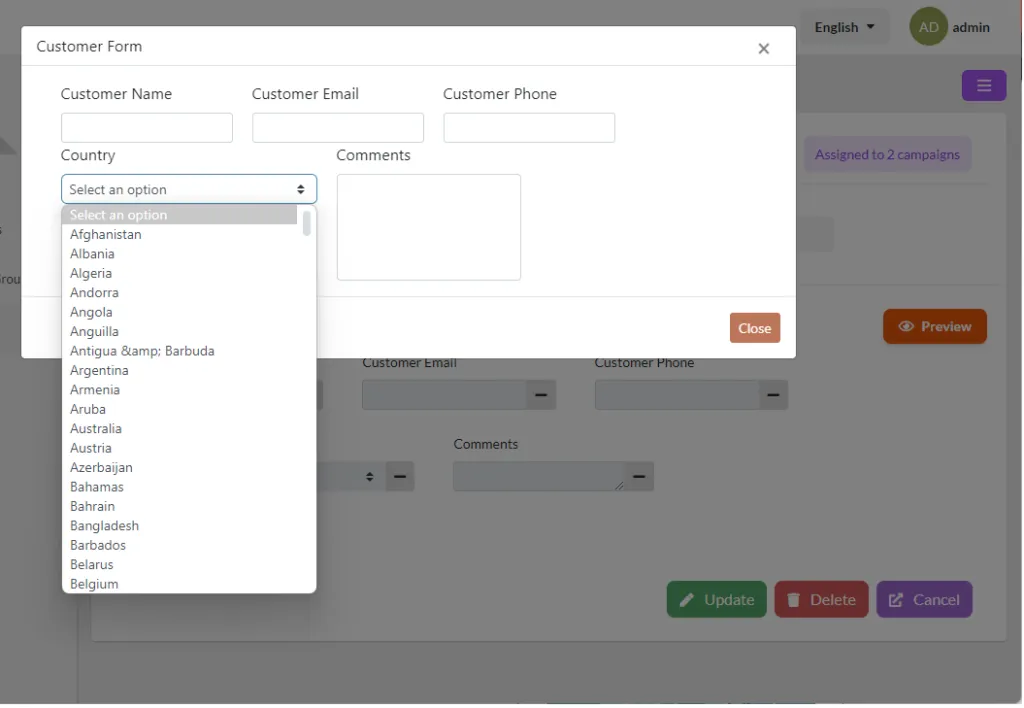
Select, shows multiple selections. They come predefined:
-
Country, list of all countries in the world.
-
US States, list of all U.S. states.
-
Gender, male, female.
-
Months of the year, months of the year.
-
Days of the week, days of the week.
-
Number, accepts only numbers.
-
Checkboxes, accepts only true or false.
-
Radio Buttons, accepts only one selection.
-
Date, accepts only date format.
-
Time, accepts only time format.
-
Textarea, like Text with the difference that it accepts multiple lines.
All fields are read-only and required, which is optional when creating the field in the form.
Was this article helpful?
Your feedback helps us improve the documentation.
Thank you for helping us improve!