
Layout Management
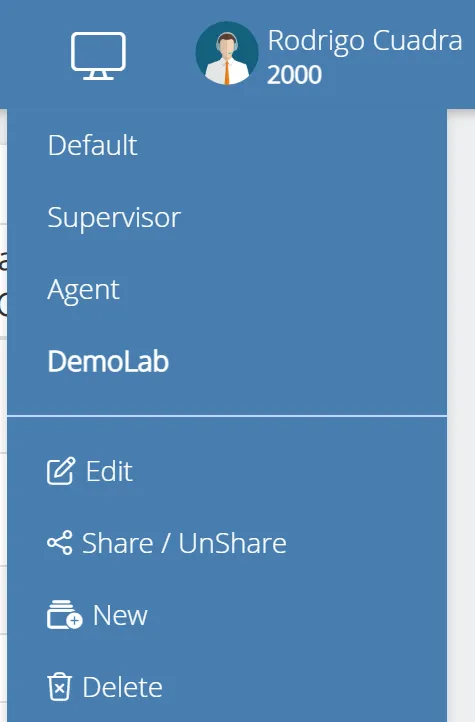
You can manage the Layout by pressing the  button. If you want to edit the Layout, first choose the Layout and then select Edit.
Possible options:
-
Edit, change the arrangement or the size of the Widgets, also add a new Widget.
-
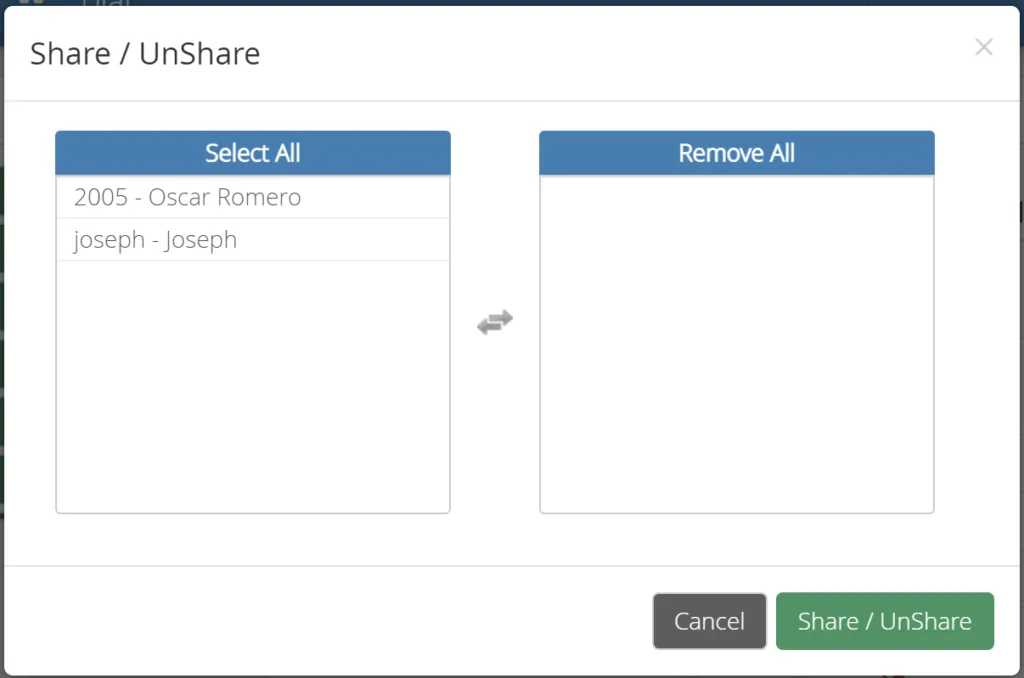
Share/Un-Share, Share Layout with other users.
-
New, create new Layout
-
Delete, delete the current Layout.
Note:
You cannot edit or delete the Default Layout.
Was this article helpful?
Your feedback helps us improve the documentation.
Thank you for helping us improve!