
Synchronization
Now synchronize the extension, the demo just synchronizes 8 extensions, you can select the extension and associate it with your Team.
To synchronize the extension, go to Settings/Synchronization:
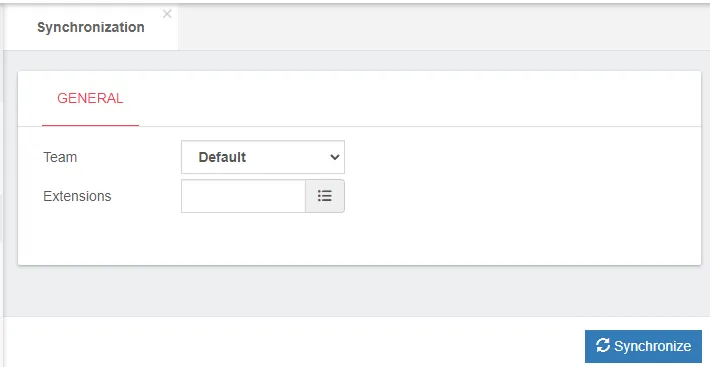
In Synchronization the following data must be configured:
-
Team, Name of the Team that the extensions belong to.
-
Extensions, Select the extensions to assign to this Team.
Was this article helpful?
Your feedback helps us improve the documentation.
Thank you for helping us improve!